SERVICE & REPAIR
FROM
$99/ MONTH
- Work orders and customer tracking
- 25 active work orders on Starter
- FastBound connection when configured
- Online service bookings & deposits
SERVICE & REPAIR · RANGE MANAGEMENT
Every job gets a tracking link. Customers can check status without calling.
One home for service work, online service bookings, and range lanes. Give repair customers a tracking link, take service bookings online, and keep range bookings organized.
Separate 14-day trials No credit card required
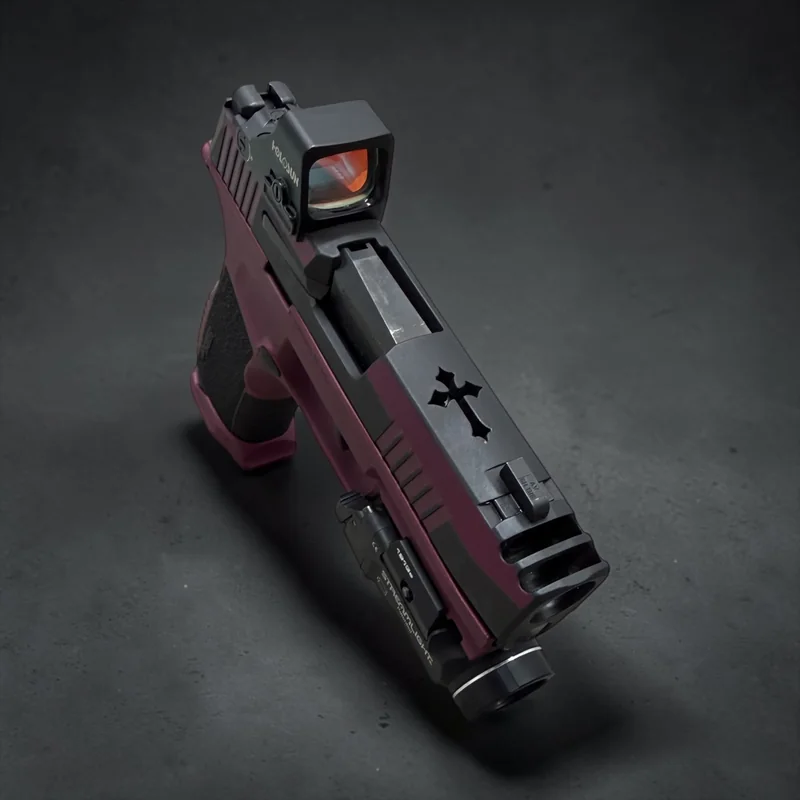
Works with FastBound“Where’s My Gun has completely changed the way I run my business.” — Dennis Green, Owner, Shield Maiden Defense, Phoenix, AZ
Each product starts with a 14-day trial. No credit card required.
FROM
$99/ MONTH
$49/ MONTH
PRICE HELD FOR 12 MONTHS
A separate product. You do not need a Service & Repair plan to run your range.
START RANGE TRIALFROM
$148/ MONTH
ITEMIZED, NOT A BUNDLE
OPTIONAL SERVICE & REPAIR MODULE
Available with Service & Repair, including Both
SERVICE DOCUMENTATION
+$49 / month
Recorded, timestamped service video with private customer viewing.
SOUND FAMILIAR?
Keep the counter, the bench, and your customers working from the same information.
A customer wants to know what happens next. Without a tracking link, someone stops to look it up and call back.
Lane availability and bookings are hard to follow when the schedule lives in more than one place.
A customer is ready to book a service, but finds only a general contact form.
01 / EVERY JOB HAS A NEXT STEP
Choose workflows that match the work you do. You get one work-order view, and your customers get a place to follow the status you share. Simple setup, no IT department needed.
Choose your services and workflows. Customize stages for repairs, transfers, NFA work, and other jobs at your counter.
Create a work order for your customer. Each job gets a unique link you can share instantly with your customers.
Move work through its stages, add photos and notes, and share updates without searching through separate tools.
ORDER #WMG-2847
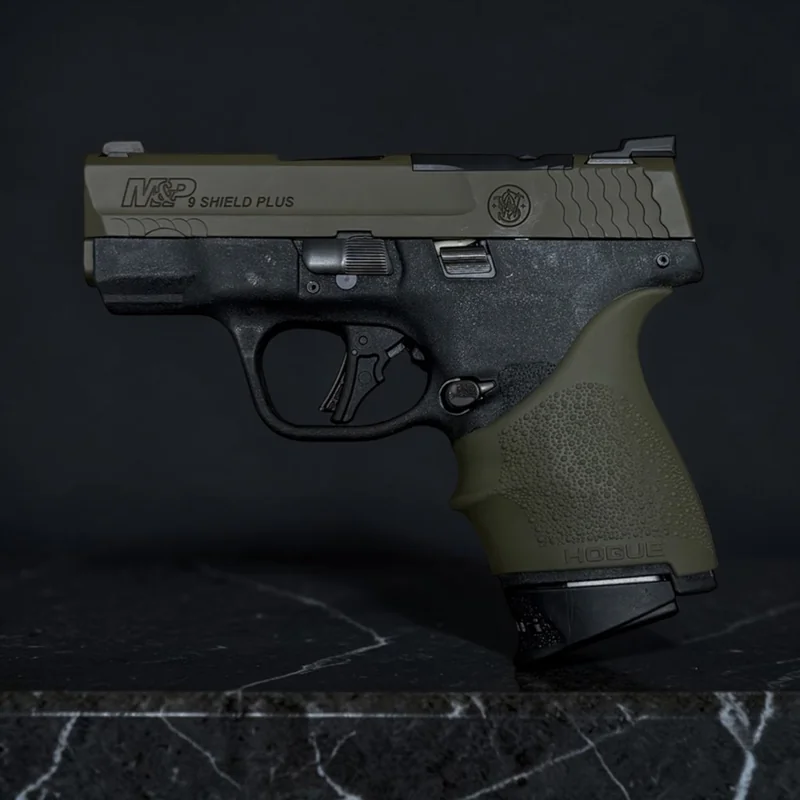
Example notification · NOTIFICATION SENT
“Your custom finish is ready for pickup. View your photos and service history.”
Illustrative only. No notification was sent.
ONE PLATFORM. THE WHOLE WORKFLOW.
More than a status page. Keep the work, the conversation, and your team connected.
Custom stages, list and board views, staff assignment, and grouped jobs. One view of what needs to happen next, whether that is one bench or a whole counter.
Share tracking links, photos, and notes. Send customer notifications as work moves forward, with two-way messages kept alongside the work.
Request estimate and scope approvals, then take work-order payments through your connected PayTrace or Authorize.net account.
Track the parts each work order needs, from ordered to received to installed. Review active orders, turnaround times, and stage bottlenecks in operational reports.
Included with Service & Repair. Share a hosted service catalog or embed it on your website. Take card deposits through connected PayTrace, or collect payment at drop-off.
Keep notes, photos, and updates with the order. Add recorded, timestamped service video and private customer viewing with the optional Service Documentation module.
BUILT FOR YOUR WORKFLOW
Whether you’re receiving a transfer, waiting on an approval, or handling a service request, customers need an answer they can find.
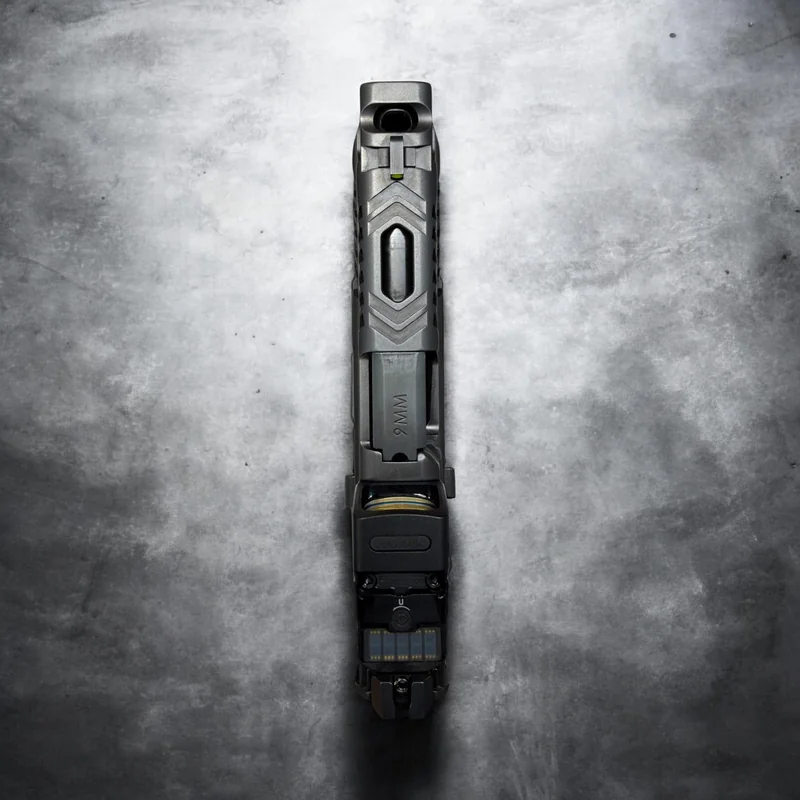
Keep arrivals, background-check outcome stages, and pickup organized, with customer-visible status updates recorded by your team.
See how it worksKeep shop-recorded submission details, approval milestones, and customer updates with the order, so the customer can see where the wait stands.
See how it worksRepairs, finish work, and custom builds, with stages, photos, parts, and customer approvals alongside the work order.
See how it worksManage pawn tickets and redemption status; track consignment and special-order milestones with workflows that match your counter.
Talk through your setupIllustrative product demo
A photo, a clear status, and the story of your service.
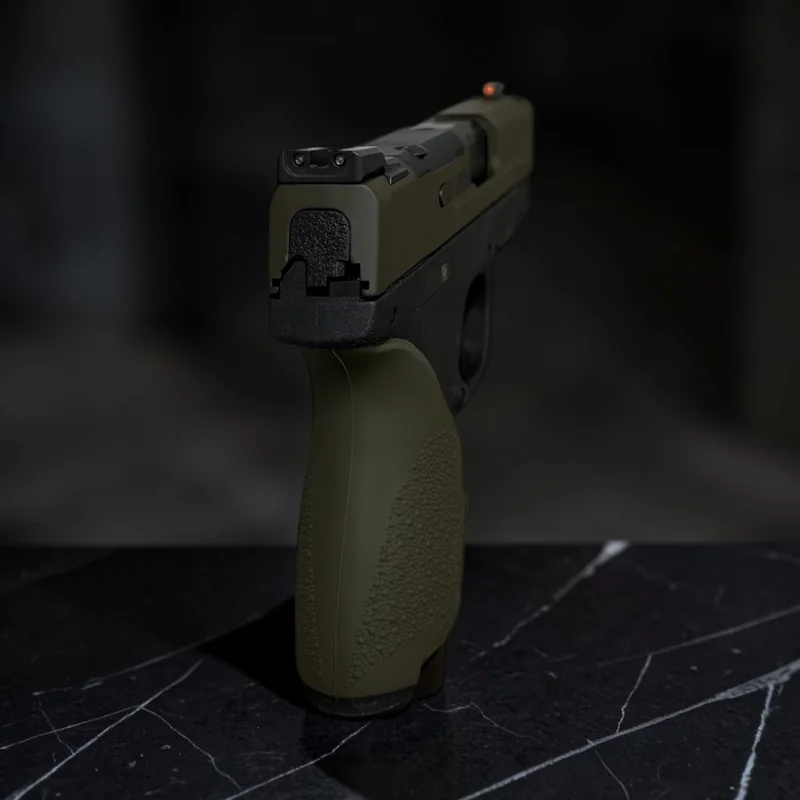
Received Day 1
Service request opened.
In progress Day 3
Work underway.
Ready for pickup Day 5
Photos and service notes available.
Real customer photography; example status and timeline, not a customer record.
02 / YOUR CUSTOMER KNOWS
A repair in progress. A transfer ready for pickup. A new answer on an open order. Share updates and keep the conversation with the work, so the answer is there before the question.
03 / SERVICE DOCUMENTATION
Keep notes, photos, messages, and status history with the work order. For service work that needs a fuller record, add recorded, timestamped video with the optional Service Documentation module.
A record of the work, not a promise of a compliance or dispute outcome.
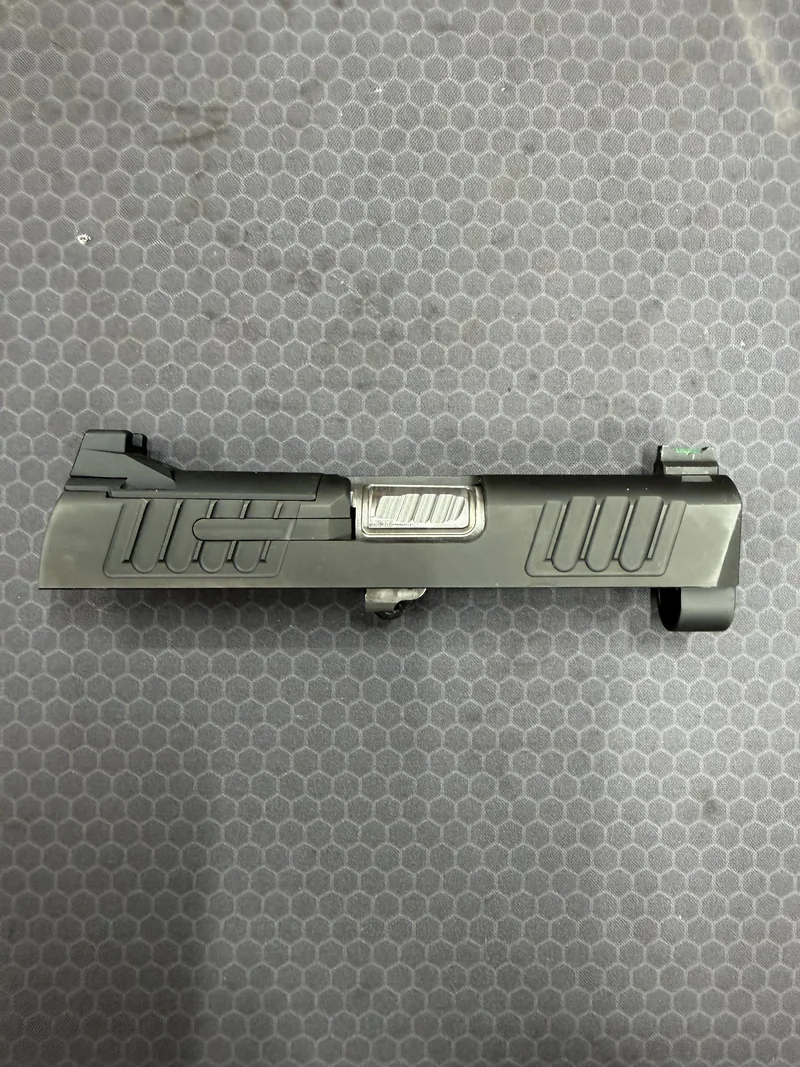
Real service photography; illustrative history, not a customer record.
Photos and notes give customers context. Recording is a separate Service Documentation add-on.
Explore documentation optionsFITS YOUR EXISTING SETUP
Your point-of-sale and bound-book process can stay where they are. Which workflows are available depends on what your shop has connected.
Connect your existing FastBound setup for supported firearm and work-order workflows. Where’s My Gun? does not replace your official bound book.
Connect RainPOS for supported point-of-sale workflows.
Take supported work-order payments through your configured processor.
INCLUDED WITH SERVICE & REPAIR
Share a hosted service catalog or embed it on your website. Card deposits require a connected PayTrace account; you can also collect payment at drop-off. Service bookings only, not firearms or merchandise.
RANGE MANAGEMENT
Your range team can manage lanes and guests without a Service & Repair subscription. Add an optional public self-booking page only when your range chooses to open it.

Shield Maiden Defense
Phoenix, AZ
“One of the biggest benefits of the platform is its integration with FastBound. Being able to intake a firearm in FastBound, sync it directly to WMG, and create a work order makes the entire process easy, intuitive, and fast. Setting up work orders, processing payments, tracking projects, and keeping customers updated all from one platform means I can stop spending hours typing emails and handwriting work orders on sticky notes, and get back to what I’m passionate about: building firearms.”
PLANS FROM THE SOLO BENCH TO THE FULL COUNTER
Start with one product. Add the other whenever your operation grows.
Works with FastBound“Where’s My Gun has completely changed the way I run my business.” — Dennis Green, Owner, Shield Maiden Defense, Phoenix, AZ
+$49/mo
THE PRACTICAL QUESTIONS
Want to talk through your setup?
Talk to our teamCreate an account, choose your service workflows and add your first jobs. Setup time varies with the size of your team and the data you enter; basic setup does not require an IT department.
Customers can open a tracking link on their phone to see the status you share, without calling the counter. Ask your customers what updates are most useful rather than relying on an industry-wide usage estimate.
No. Keep your official bound-book process. Service & Repair handles work orders and customer communication and can connect supported record-keeping workflows to FastBound when configured.
Service & Repair supports operational record-keeping and can connect to FastBound when configured. It is not a replacement for your official bound book or advice from a qualified compliance professional.
FastBound, for supported firearm and work-order workflows when connected. RainPOS, for supported point-of-sale workflows. PayTrace or Authorize.net, for work-order payments through your connected account. Confirm the workflows your shop needs in a demo.
Yes. Service & Repair and Range Management each offer a 14-day trial with no card required.
Record a service session, keep its video with the job, and share it privately with an authorized customer. Documentation helps you review what was shown; it cannot guarantee a dispute outcome.
Basic covers up to 10 active work orders, Starter up to 25, and Professional up to 60. Only work in your possession counts: a transfer that has not arrived yet, a job ready for pickup, and anything closed are all off the tally. If you go over, the job still goes in and you get a short grace window to upgrade or finish work already in the shop before new work orders are held. We warn you as you approach the limit, and you can upgrade at any time.
No. Online service bookings and deposits are included with Service & Repair. Customers book your services, not firearms or merchandise. Card deposits require a connected PayTrace account; you can also collect payment at drop-off.
Yes. Range Management is a separate product. Manage lane availability, staff bookings, closures and guest check-in on its own, or pair it with Service & Repair. Public self-booking is optional and stays off until you enable it.
No. Where’s My Gun? supports service and repair work alongside FFL transfers, NFA workflows, pawn, consignment, and special orders. Choose the workflows your firearms business needs. It does not replace your official bound book, POS, or qualified compliance advice.
GET BACK TO WHAT YOU DO BEST
Start with Service & Repair or Range Management. Add the other when you need it.